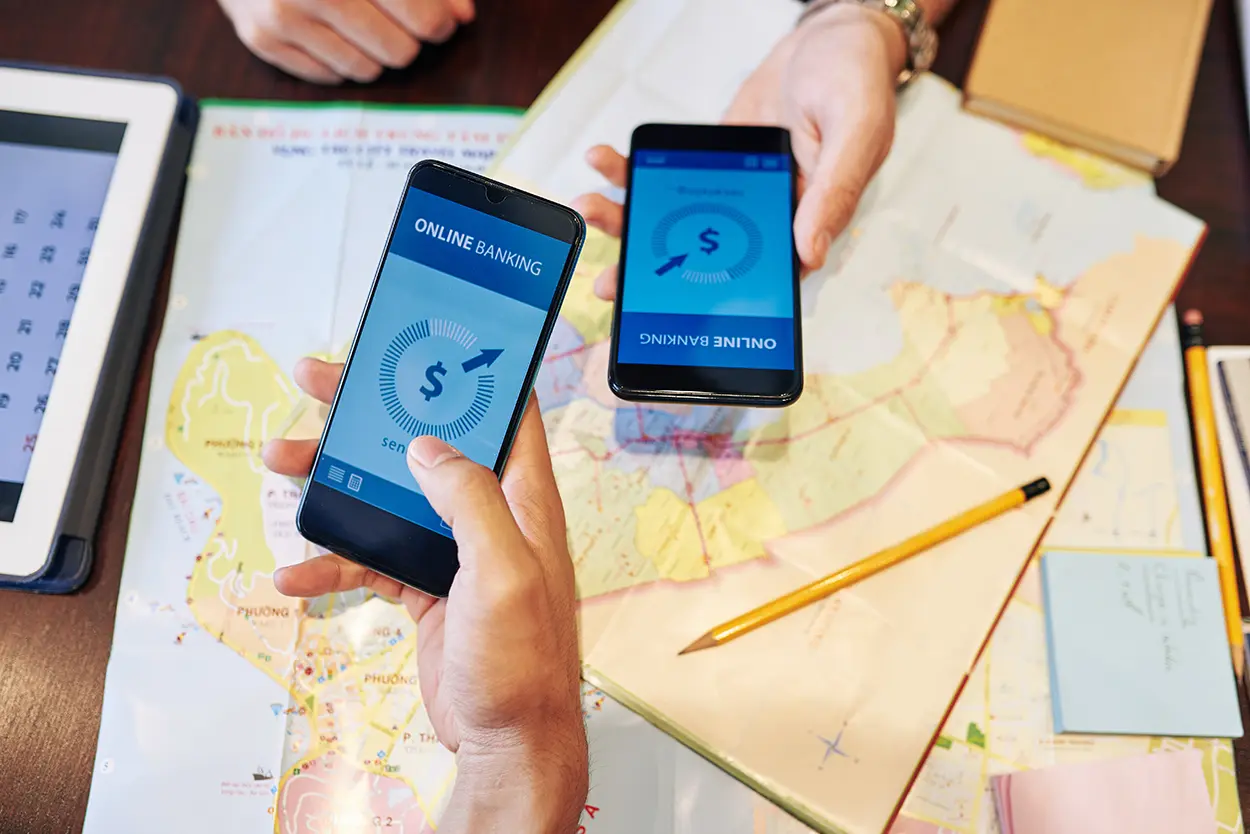
Learning how to compare money transfer apps before sending cash can save you from unnecessary fees, slow transfers, and irreversible mistakes. Peer-to-peer payment apps like Venmo, Cash App, PayPal, and Zelle make sending money feel as easy as texting, but each app handles fees, speed, fraud protection, and privacy differently. This article is educational only and is not individualized financial advice; for guidance specific to your situation, consult your bank, credit union, or a qualified financial professional.
How to Compare Money Transfer Apps Before Sending Cash: The Basics
Before you link a debit card or bank account to any transfer app, it helps to evaluate four things side by side: what the transfer actually costs, how fast the money moves, what protections apply if something goes wrong, and how much of your activity is visible to others. The Federal Trade Commission warns that sending money through a payment app is a lot like handing someone cash: once you hit send, it is very hard to get the money back, according to the FTC’s consumer alert “Do you use payment apps like Venmo, CashApp, or Zelle? Read this”. That single fact should shape how you choose and use any transfer app, not just which one you settle on.
Why the Fine Print Differs From App to App
Money transfer apps are not all built the same way behind the scenes. Some move funds directly between bank accounts, while others hold your balance inside the app itself until you transfer it out. The Consumer Financial Protection Bureau has noted that more than three-quarters of U.S. adults have used a payment app, and that funds held inside many of these apps are not automatically covered by federal deposit insurance the way a bank or credit union account is, as explained in the CFPB’s consumer advisory on payment app deposit insurance risk. That distinction, whether an app transfers funds directly or holds a balance, affects both your risk and your options if the company ever runs into financial trouble.
Step 1: Compare Fees Before You Link Anything
Fee structures vary widely and are often not obvious until you are mid-transaction. Before choosing an app for a specific transfer, check:
- Whether sending from a linked bank account or debit balance is free, since many apps waive fees for standard transfers funded this way
- Whether funding a transfer with a credit card triggers a cash-advance-style fee, which is common across most major apps
- Whether receiving money is free, and whether moving a received balance into your bank account is free or charged
- Whether there is a fee for “instant” transfers to your bank versus a standard, multi-day transfer
- Whether the app charges currency conversion fees for international transfers, and what exchange rate markup applies
A transfer that looks free on the surface can still cost several percentage points once a card-funding fee or an instant-transfer fee is applied. Reading the app’s current fee schedule before a large transfer is worth the extra minute, since fee structures change over time.
Step 2: Understand Transfer Speed Before You Rely on It
Transfer speed is not uniform across apps, or even within the same app. Common patterns include:
- Bank-to-bank network transfers, such as those built on shared banking rails, often complete within minutes when both the sender and recipient are enrolled with participating banks.
- Standard app-to-bank withdrawals from a payment app balance can take one to three business days to land in your linked bank account.
- Instant or expedited transfers usually cost an extra fee in exchange for faster access to funds, often within minutes to a few hours.
If you are relying on a transfer to cover a bill or a time-sensitive expense, confirm the expected timeline in the app before you send, rather than assuming every transfer behaves the same way.
Step 3: Check Fraud Protections, Including What Is Not Covered
One of the most important, and most misunderstood, differences between money transfer apps and traditional banking involves what happens after fraud. Federal consumer protection law generally treats an authorized transfer, meaning one you personally approved, differently from an unauthorized one, such as a stolen-account transaction. The FTC and CFPB have both taken enforcement action related to how payment apps handle disputed and unauthorized transactions; for example, the CFPB ordered the operator of a major peer-to-peer app to pay refunds and penalties over failures to properly investigate unauthorized transfer disputes, as described in the CFPB’s enforcement action summary on peer-to-peer payment fraud handling. That action centered on the Electronic Fund Transfer Act, which generally requires payment platforms to investigate disputes of unauthorized transactions rather than relying on fine print to avoid that obligation.
Before choosing an app for a transfer you are unsure about, look for:
- Whether the app offers live customer support, and how quickly disputes are typically reviewed
- Whether funding a transfer with a credit card instead of a debit card or bank account gives you additional dispute rights through the card network
- Whether the app publishes a clear fraud and error-resolution policy, rather than vague or missing language
Critically, most of these protections apply to unauthorized transactions, not to transfers you approved yourself but later regret, such as paying the wrong person or falling for a scam that convinced you to send money voluntarily.
Step 4: Know That Mistaken and Scam Payments Are Often Unrecoverable
If you send money to the wrong person, or send money because a scammer convinced you to, that transaction is typically treated as authorized, since you were the one who approved it. The FTC’s guidance is direct on this point: sending money through a payment app functions like handing someone cash, and it is very difficult to reverse. The FTC also publishes a dedicated safety guide for these apps, “How to Safely Use Mobile Payment Apps and Services”, which advises confirming a recipient’s identity before sending and never sending money in response to an unexpected message asking you to pay someone.
If you realize you sent a mistaken payment, act quickly:
- Contact the app’s support channel immediately and explain what happened; some apps allow you to cancel a pending transfer if the recipient has not yet accepted it.
- If the transfer already completed, you may need to ask the recipient directly to send the funds back, since the app itself often cannot force a return of an authorized payment.
- Report suspected scams to the FTC at ReportFraud.ftc.gov and to your bank or card issuer, even if a full recovery is not guaranteed.
There is no guarantee that a mistaken or scam payment can be recovered, which is why prevention matters more than after-the-fact cleanup.
Step 5: Verify the Recipient Before You Send
Most payment app losses trace back to sending money to the wrong account, not a technical failure of the app itself. Before sending, especially to someone new:
- Double-check the recipient’s username, phone number, or email address character by character rather than relying on a saved contact you have not verified recently
- Confirm an unusual or unexpected payment request with the person directly, using a phone number or contact method you already know is theirs, not one provided in the request itself
- Consider sending a small test amount first for a new or large recurring transfer, and confirm with the recipient that it arrived correctly before sending the full amount
- Treat urgency as a warning sign; requests that pressure you to send money immediately are a common scam pattern flagged repeatedly by consumer protection agencies
Step 6: Review Your Privacy Settings
Several popular money transfer apps default to sharing transaction activity, such as a public feed showing who paid whom, though usually not the amount. This kind of visibility can expose your social connections and spending patterns to more people than you intend. Before using an app regularly:
- Open the app’s privacy or settings menu and set transaction visibility to private rather than public or “friends,” where that option exists
- Review what personal data the app collects and whether you can limit data sharing for advertising or analytics purposes
- Turn on transaction alerts so you are notified by email or text whenever money moves, which helps you catch unauthorized activity quickly
- Enable any available multi-factor authentication or app-level PIN so that access to your phone alone is not enough to move your money
Step 7: Know When a Bank Transfer Is the Safer Choice
Money transfer apps are convenient, but they are not always the right tool. A traditional bank transfer, wire, or transfer through your bank’s own bill-pay system is often the safer choice when:
- You are sending a large sum of money, since bank transfers typically come with more robust identity verification and fraud monitoring for high-value transactions
- You are paying a business, landlord, or contractor you do not know personally, where the informal, cash-like nature of app transfers offers little recourse if something goes wrong
- You want funds to remain covered by federal deposit insurance without needing to manually move a balance out of an app afterward, since money sitting in a bank account is generally insured up to applicable FDIC or NCUA limits, while balances left inside many payment apps may not be
- You need a transaction that comes with strong, well-established dispute rights, which are generally more consistent for bank transfers and credit card transactions than for authorized peer-to-peer transfers
As a simple rule, the more money involved, or the less you personally know and trust the recipient, the more reason there is to consider a traditional bank transfer over a payment app.
Building a Simple Comparison Checklist
Before choosing a money transfer app for a specific transfer, it helps to run through the same short checklist every time:
- What does this specific transfer cost, including any card-funding or instant-transfer fees?
- How fast does the money need to arrive, and does that require an expedited option?
- Have I verified the recipient through a channel I trust, not just the request itself?
- Is my privacy setting for this app set to private rather than public?
- Is this transfer large enough, or the recipient unfamiliar enough, that a bank transfer would be the safer route instead?
Running through these questions takes less than a minute and can prevent the kind of costly, often unrecoverable mistake that consumer protection agencies see repeatedly.
The Bottom Line
There is no single best money transfer app for every situation. The right choice depends on how much you are sending, how quickly you need it to arrive, how well you know the recipient, and how much you value privacy over convenience. Comparing fees, speed, fraud protections, and privacy settings before you send, rather than after a problem arises, is the most reliable way to use these tools safely.
 blogged