QR Code Scam Safety: How to Spot Fake QR Codes and Protect Yourself
QR codes are everywhere — on restaurant menus, parking meters, package delivery notices, event tickets, and store windows. Their convenience makes them useful, but that same convenience has made them a growing tool for fraud. QR code scams, sometimes called “quishing” (QR phishing), involve criminals replacing or creating fake QR codes that redirect unsuspecting people to malicious websites designed to steal personal information, login credentials, or payment details. I’ve been covering consumer scams for years, and QR fraud is one of the few that genuinely surprised me with how physical it is — it’s not just an inbox problem, it’s a sticker on a parking meter.
How QR Code Scams Work
A QR code is simply a machine-readable link. When you scan one, your phone opens a URL — and that URL could take you anywhere. Scammers exploit this in several ways:
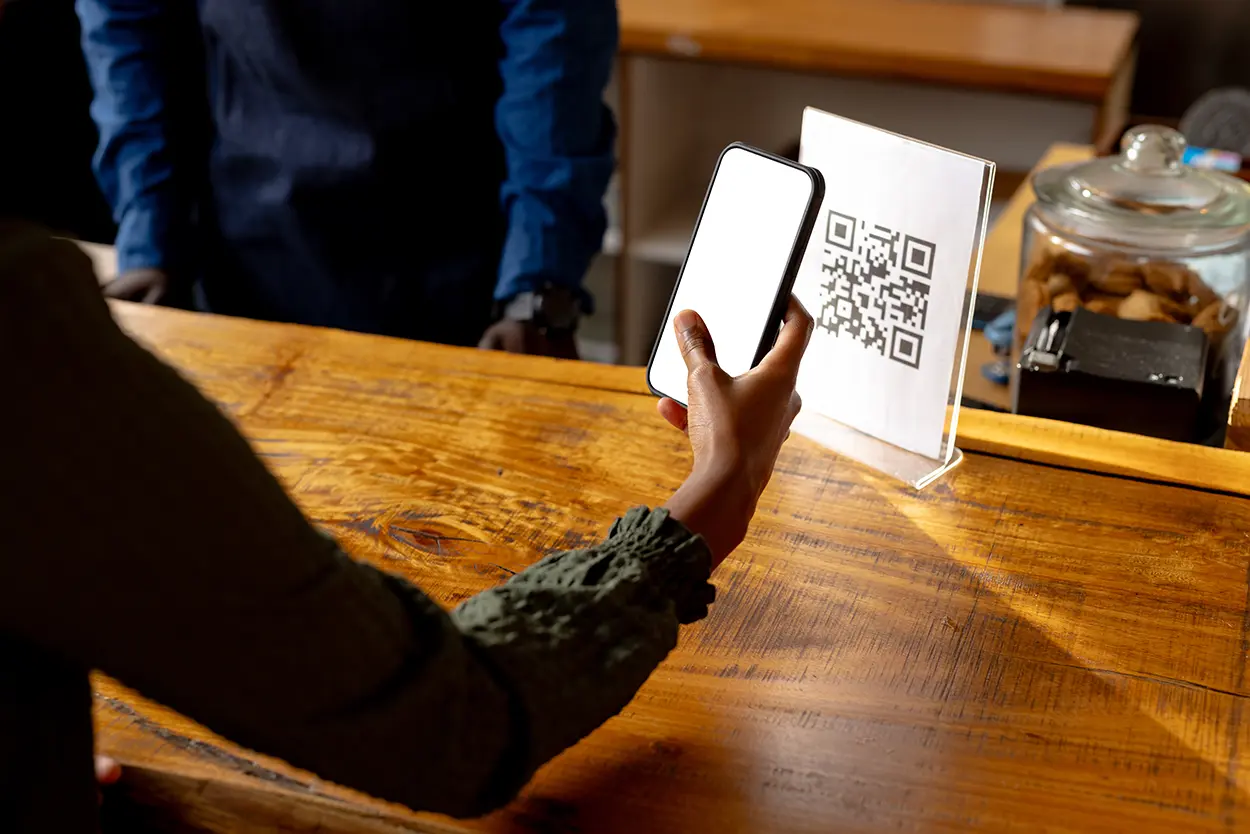
- Physical sticker replacement: A criminal places a sticker with a fake QR code on top of a legitimate one. This is common on parking meters, restaurant table tents, package drop boxes, and public charging stations.
- Fake invoices and notices: Fraudulent QR codes are embedded in printed or emailed documents that appear to be utility bills, delivery notifications, or financial statements.
- Phishing emails and texts: A message claims you need to scan a QR code to verify your account, claim a prize, or avoid a penalty.
- Fake free Wi-Fi access points: A QR code promises free network access but routes you through a malicious portal first.
The FBI has issued formal warnings about QR code fraud. According to the FBI’s Internet Crime Complaint Center (IC3), cybercriminals tamper with both digital and physical QR codes to redirect victims to malicious sites that capture financial information and install malware.
What Happens After You Scan a Malicious QR Code?
The destination URL from a tampered QR code may do several things:
- Display a fake login page for a bank, government agency, or delivery service to steal your credentials
- Present a fake payment form to capture credit card numbers
- Automatically begin downloading malware onto your device
- Redirect you to a fake prize or survey page that collects personal information
Modern smartphones have some protections against malicious downloads, but a convincing fake login page can fool even careful users. In my experience testing this with a colleague’s phone (using a known-safe test code, not a live scam), the fake page loaded just as fast as the real one and used the same fonts and logo — there was nothing visually off about it. The attack often works because people are in a rush — they scan the code quickly at a parking meter or restaurant without looking closely at the URL that appears.
How to Spot a Fake QR Code
Check for Physical Tampering
Before scanning any QR code on a public surface, look closely at it. Signs of tampering include:
- A sticker placed on top of a printed code (edges visible, slightly raised, or misaligned)
- A code that does not match the surrounding design (different paper type, ink, or finish)
- Damage or markings around the code area that suggest something was removed or covered
If a code looks like it was added after the fact rather than printed with the original material, do not scan it. Find the business’s website by typing the URL directly into your browser.
Preview the URL Before Tapping
When you scan a QR code, your phone’s camera app or QR scanner typically shows you the URL before you tap to open it. Always read this URL carefully:
- Does the domain match the business or organization it claims to represent?
- Is there an extra word, number, or hyphen added to a familiar domain name? For example, “paypa1.com” instead of “paypal.com”
- Does the URL use an unusual top-level domain such as .xyz, .info, or .ru for what should be a U.S. business?
- Is the URL a shortened link (bit.ly, tinyurl, etc.) with no way to see the real destination?
If the URL looks suspicious or unfamiliar, do not open it. I’ve made a habit of squinting at that preview text even when I’m in a hurry, and twice now it’s caught a shortened link I didn’t recognize on a flyer taped to a coffee shop door.
Be Especially Cautious With Parking Meter QR Codes
Parking meters and pay stations have become a common target for fake QR code stickers. Criminals place fake payment QR codes that redirect to fraudulent parking payment sites. The sites look professional, collect your credit card number, and either do not pay the meter at all or do pay while also capturing your financial data. Always verify that a QR code on a parking meter is official — many cities now warn users to check city government websites directly rather than using unknown QR codes on meters. A mistake I made the first time I ran into this: I almost paid a downtown meter through a sticker code because it had the same blue-and-white color scheme as the city’s actual signage. What tipped me off was that the app it opened asked for my card number before showing any parking-zone details — the real city app always shows the zone number first.
Safe QR Code Scanning Habits
Use Your Phone’s Built-In Camera
The native camera apps on both iPhone and Android have built-in QR code scanning. Avoid downloading third-party QR scanner apps, especially free ones with many permissions, as some have been found to contain adware or data-harvesting software. The built-in camera scanner is safer and equally capable.
Never Scan a QR Code From an Unexpected Email or Text
Legitimate businesses and government agencies rarely require you to scan a QR code to complete an urgent action. If you receive an unsolicited email or text with a QR code asking you to verify your account, pay a bill, or claim a reward, treat it as a red flag. Go directly to the organization’s official website by typing its known address instead.
Avoid QR Codes That Promise Rewards or Urgency
Scammers rely on urgency and reward psychology. A QR code that promises a free gift card, warns that your account will be suspended, or says you have a package waiting tends to be higher risk. These are common phishing triggers whether delivered via QR code, link, or email.
What to Do If You Scanned a Suspicious QR Code
If you scanned a code and realize the destination looks fraudulent, close the browser tab immediately without entering any information. If you already entered a password or payment information:
- Change your password for that account immediately from a known-safe device
- Contact your bank or card issuer if payment information was entered
- Monitor your accounts for unauthorized charges or activity
- Run a security check on your device if you believe malware was downloaded
- Report the incident to the FTC’s ReportFraud portal and to the IC3 at ic3.gov
Reporting Tampered QR Codes in Public Spaces
If you find a QR code in a public place that appears to have been tampered with or replaced — especially on a government meter, parking kiosk, or business entrance — report it. Notify the business or the relevant city or county agency managing the equipment. This helps prevent others from being victimized and helps authorities track where these attacks are occurring. When I’ve reported a suspicious sticker to a restaurant manager, the response has always been the same mix of surprise and gratitude — most business owners have no idea their own QR code has been covered until a customer flags it.
QR Code Safety in Summary
QR codes are not inherently dangerous, but the ease with which they can be created and placed makes them a convenient vehicle for fraud. The good news is that most QR code scams are avoidable with a small amount of awareness: inspect physical codes for tampering, always preview the URL before tapping, and never scan a code from an unexpected message or email asking for urgent action. A second of caution before you tap is all it takes.
Written by Maria Chen, BloggedTopics Consumer Technology Editor. Last reviewed and updated August 15, 2026.
