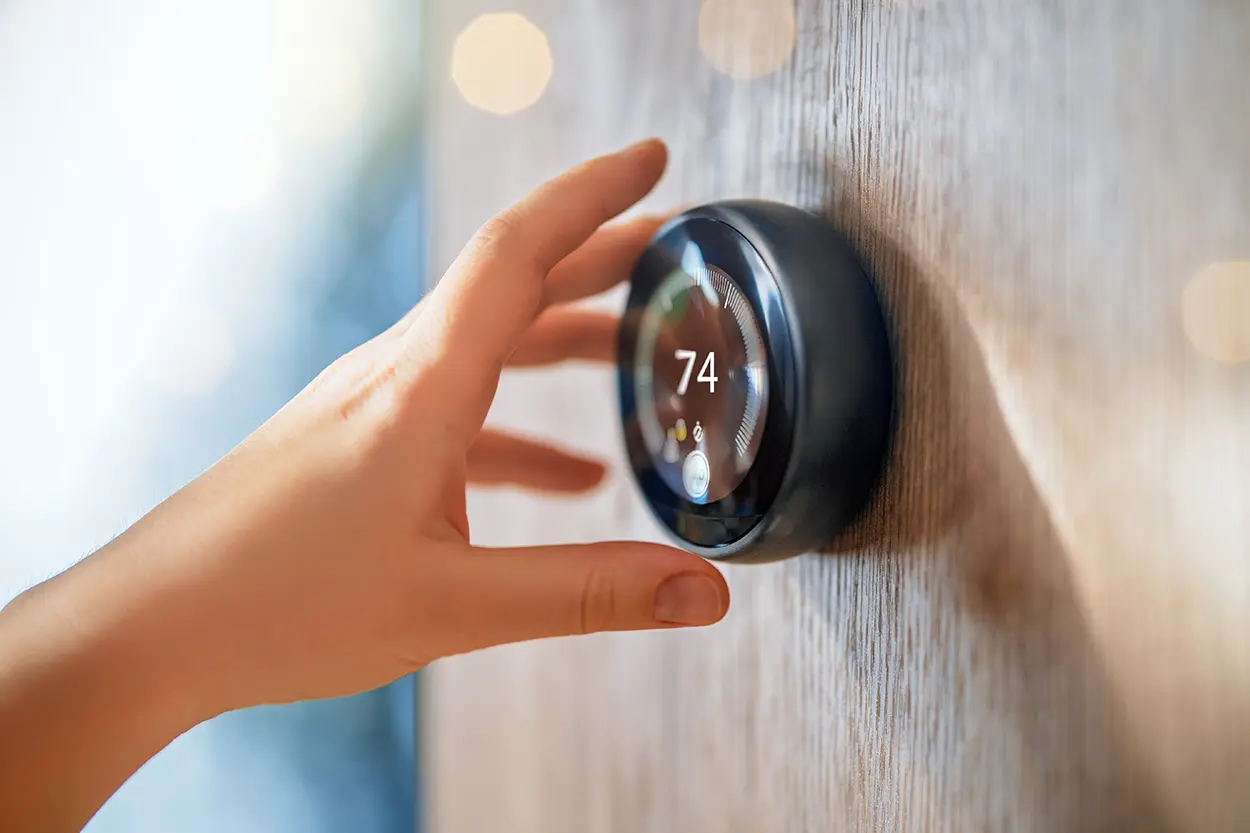
Getting familiar with smart thermostat settings is what actually turns a connected device into real energy savings, rather than just a more convenient way to change the temperature. When I installed my first smart thermostat, I made the classic mistake of leaving the factory schedule running for almost two months before I actually opened the app and customized it – the savings only showed up after I did. Many owners set up their smart thermostat once and never revisit its features, missing out on the settings that drive most of the savings.
Smart Thermostat Settings: The Features That Actually Matter
A smart thermostat is only as effective as the settings you actually configure. The features described below, scheduling, geofencing, remote control, and standby behavior, are where most of the real savings come from, more than the device’s touchscreen or app design.
What a Smart Thermostat Actually Does
According to ENERGY STAR, a smart thermostat is a Wi-Fi enabled device that automatically adjusts heating and cooling temperature settings in your home for optimal performance. Heating and cooling represent a major share of home energy costs. ENERGY STAR notes that for the average American household, almost half of the annual energy bill goes toward heating and cooling, more than $900 a year, which is why thermostat settings have an outsized effect on overall utility spending. You can review the program’s full guidance at ENERGY STAR’s smart thermostats page.
Core Settings Worth Configuring
1. Scheduling
Most savings come from setting back temperatures during hours when no one is home or everyone is asleep, then returning to a comfortable setting shortly before people wake up or return. ENERGY STAR notes that many smart thermostats can learn your temperature preferences and establish a schedule that automatically adjusts to energy-saving temperatures when you are asleep or away, reducing the need for manual scheduling once the system has learned your patterns.
2. Geofencing
Geofencing uses your smartphone’s location to detect when you have left home and automatically adjusts the thermostat to a more efficient setting, then begins adjusting back toward a comfortable temperature as you approach home. This feature removes the need to remember to adjust settings manually before leaving or returning. In my experience, geofencing is the setting that actually saves money passively, since scheduling alone assumes a routine that real life doesn’t always follow.
3. Remote Control
Because these devices are Wi-Fi enabled, most allow temperature adjustments from a smartphone app from anywhere with an internet connection, which is useful for correcting a forgotten setting or adjusting temperatures ahead of an unplanned early return home.
4. Standby and Software Updates
ENERGY STAR certified smart thermostats are designed to quickly enter a low-power standby mode when inactive, and they receive periodic over-the-air software updates that keep the device using the latest energy-saving algorithms available.
Choosing a Certified Model
ENERGY STAR states that smart thermostats earning its label have been independently certified, based on actual field data, to deliver energy savings, and recommends looking for the ENERGY STAR label specifically when shopping for a smart thermostat. Before purchasing, confirm the following:
- The thermostat is compatible with your specific heating and cooling system
- Your home’s Wi-Fi router is close enough to prevent periodic disconnections, or that you are prepared to add a Wi-Fi range extender if needed
- The thermostat is compatible with any utility incentive programs in your area, since some utilities offer rebates tied to specific certified models
Setting a Practical Temperature Schedule
While personal comfort preferences vary, a reasonable starting framework is to set a comfortable temperature for waking and active hours, an energy-saving setback while away during the day, and another setback overnight while sleeping under blankets. From there, use the app’s usage data to fine-tune the schedule based on your household’s actual patterns rather than guessing.
The U.S. Department of Energy also publishes broader guidance on thermostat settings and home heating and cooling efficiency as part of its consumer energy-saving resources. This includes general context on how setback temperatures interact with different heating and cooling systems, available at the Department of Energy’s thermostat guidance page, which is a useful companion to ENERGY STAR’s product-specific certification information.
Smart Thermostats and Multi-Zone Homes
Homes with multiple heating and cooling zones, such as separate systems for upstairs and downstairs, may benefit from installing a smart thermostat for each zone rather than a single device for the whole house. This allows scheduling and geofencing to reflect how different areas of the home are actually used, rather than applying one blanket schedule to spaces with very different occupancy patterns throughout the day.
Common Setup Mistakes to Avoid
- Leaving the factory default schedule unchanged instead of customizing it to your actual routine
- Disabling geofencing or learning features out of unfamiliarity, which removes much of the automatic savings potential
- Placing the thermostat too far from the Wi-Fi router without addressing the resulting connectivity issues
- Ignoring compatibility requirements with existing HVAC equipment, leading to limited functionality after installation
Reading Your Thermostat’s Usage Reports
Most smart thermostat apps display historical run-time data showing how many hours per day your heating or cooling system actively ran. Reviewing this data periodically, rather than only when setting up the device, helps you notice gradual changes that might indicate a developing HVAC problem, such as a system running longer than usual to reach the same target temperature. This same usage data is also useful for confirming whether your schedule and geofencing settings are actually producing the setback periods you intended, since a misconfigured schedule can sometimes run counter to your actual goals without being obvious from the main screen. I check mine every couple of months, and it was actually a slowly climbing runtime trend that tipped me off to a dirty air filter before it became a bigger repair.
Some thermostat apps also provide a monthly or seasonal summary comparing your usage to similar homes in your area, when enough anonymized data is available. While these comparisons are not perfectly precise, since every home differs in insulation, size, and equipment, they offer a useful general sense of whether your settings are unusually inefficient compared to typical households.
Utility Program Compatibility
ENERGY STAR certified smart thermostats are designed to be compatible with programs some local utilities offer, providing incentives that help manage grid reliability during periods of high demand. Check with your local utility provider to see whether enrolling your specific thermostat model in such a program could provide an additional rebate or bill credit.
Final Takeaway
A smart thermostat only delivers meaningful savings when its scheduling, geofencing, and learning features are actually configured and used. Choosing an ENERGY STAR certified model, setting a realistic schedule, and periodically reviewing usage data are the practical steps that turn a smart device into a genuinely lower energy bill.
Written by Maria Chen, BloggedTopics Consumer Technology Editor. Last reviewed and updated August 11, 2026.
