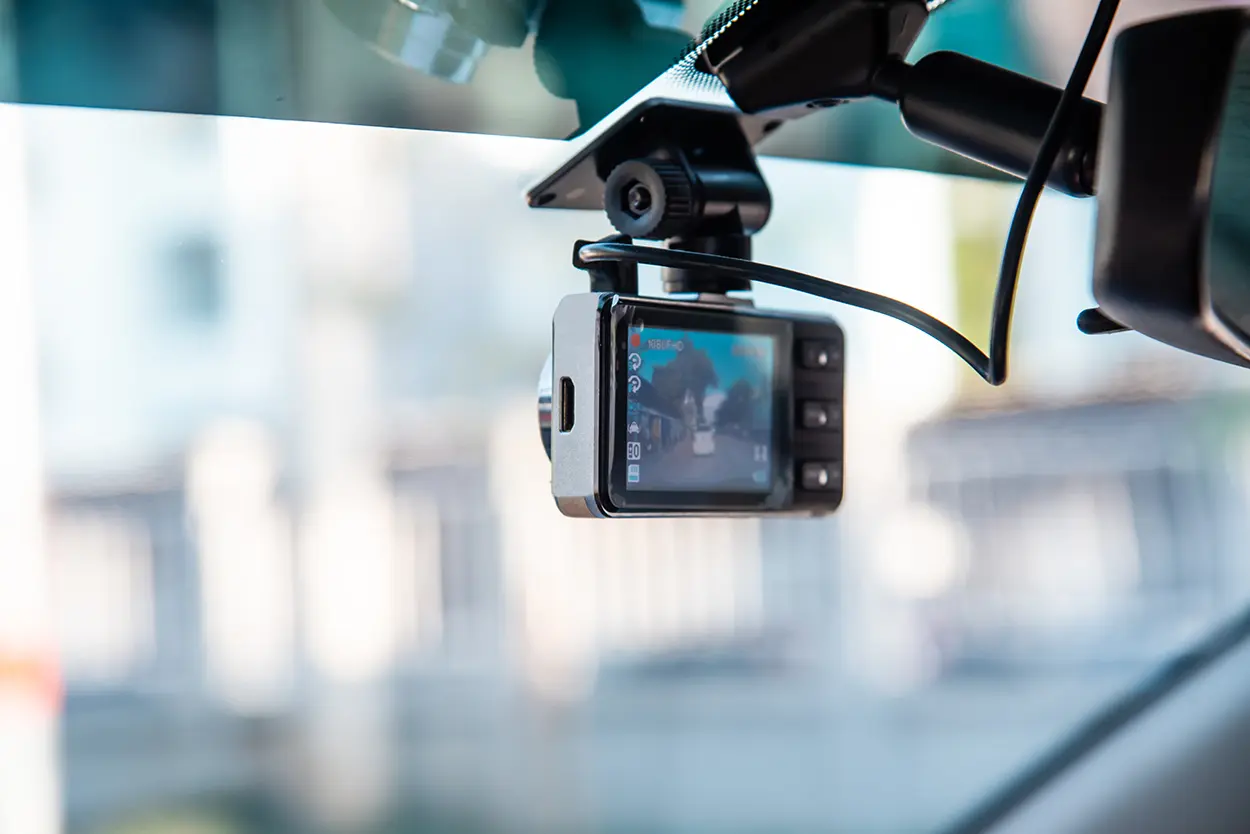
Dash Cam Buying Guide: What to Look For Before You Buy
A dash cam is one of the most practical vehicle accessories available — and one of the most misunderstood. Drivers buy them for a range of reasons: documenting accidents for insurance purposes, capturing road incidents, deterring vandalism, and monitoring teen drivers or fleet vehicles. But the market is crowded with hundreds of options at wildly different price points, and the feature set that matters depends heavily on how you plan to use the camera. This guide breaks down every key consideration so you can find the right dash cam without overspending or buying the wrong thing.
Why Drivers Use Dash Cams
The most common reason people install a dash cam is accident documentation. A clear video record of a collision can establish fault definitively when conflicting accounts would otherwise leave insurers to make judgment calls. In some states and countries, dash cam footage is routinely used in insurance claims and legal proceedings. Beyond accidents, dash cams capture hit-and-run incidents in parking lots, record road rage events for reporting to authorities, and provide evidence in insurance fraud attempts where other drivers deliberately cause accidents.
Front-Only vs. Front-and-Rear vs. Three-Channel Systems
The first major decision is camera configuration.
- Front-only cameras are the most affordable and simplest to install. They record everything ahead of your vehicle. For most drivers, a quality front-only camera is sufficient.
- Front-and-rear systems include a second camera that mounts on the rear windshield and covers what is behind you. This is valuable for rear-end collision documentation and hit-and-run incidents in parking lots.
- Three-channel systems add an interior-facing camera, primarily useful for rideshare drivers who want to document passenger behavior or fleet managers monitoring drivers.
For most personal use, a front-and-rear dual-channel system offers the best protection. The cost difference between front-only and dual-channel has narrowed considerably, making the upgrade worthwhile.
Resolution: What 1080p, 1440p, and 4K Actually Mean for You
Resolution determines the clarity of footage and whether you can make out details like license plate numbers and street signs from a distance. Current resolution standards in dash cams:
- 1080p (Full HD): The baseline standard. Adequate for most purposes in good lighting conditions. Plate numbers are readable at moderate distances.
- 1440p (2K/Quad HD): Noticeably sharper footage, better for capturing plates at highway speeds or in lower light. A good balance of quality and file size.
- 4K: The highest available resolution in consumer dash cams. Provides exceptional detail but generates much larger video files that fill storage cards faster. Genuinely useful if you regularly drive on highways at speed and plate readability matters.
Higher resolution also requires more processing power, which generates more heat inside the camera. In very hot climates, a 4K camera in a parked car exposed to direct sun may overheat faster than a 1080p unit. This is worth considering if you park outdoors regularly in a warm climate.
Night Vision and Low-Light Performance
A significant percentage of accidents and incidents happen at night or in low light. Sensor quality matters more than resolution for night performance. Look for cameras with:
- A larger image sensor (f/1.8 aperture or wider)
- Wide Dynamic Range (WDR) or High Dynamic Range (HDR) processing, which helps the camera expose both bright and dark areas correctly in the same frame
- Starvis or Starvis 2 sensor branding from Sony, which indicates high-sensitivity low-light sensors
Marketing terms like “night vision” are used loosely by many manufacturers. Review sample night footage from independent reviewers rather than relying on product descriptions alone.
Loop Recording and Storage
Dash cams record on a continuous loop — when the storage card fills up, the camera automatically overwrites the oldest footage with new recordings. This means you do not need to manually manage files during normal operation. However, you do need a memory card with sufficient capacity for your driving patterns.
- Most dash cams accept microSD cards up to 128GB or 256GB
- At 1080p, 64GB typically stores roughly eight to ten hours of continuous footage
- Higher resolution cameras fill cards faster
Use a microSD card rated for continuous recording (often labeled “high endurance” or with an A2 application class rating). Standard consumer cards are not designed for the constant read/write cycles that dash cams generate and can fail prematurely. Many dash cam manufacturers sell branded cards specifically matched to their cameras.
Parking Mode
Parking mode allows the dash cam to continue recording or monitoring while your vehicle is parked and unattended. It is particularly useful for capturing hit-and-run incidents in parking lots and monitoring your vehicle overnight. There are three common approaches:
- Motion detection: The camera begins recording when movement is detected near the vehicle.
- Buffered parking mode: The camera records continuously in a loop at low frame rate, triggered to save footage by motion or impact.
- Time-lapse: The camera captures one frame per second or similar reduced rate, useful for monitoring over long periods without generating large file sizes.
Parking mode requires a constant power source since it must operate with the engine off. Options include a hardwire kit connected to your vehicle’s fuse box, a capacitor-based power reserve built into the camera, or an external battery pack. Hardwiring is the most reliable option and is within reach of most drivers who are comfortable with basic automotive tasks.
GPS Logging
GPS-equipped dash cams embed location data, speed, and direction into the video file. This information can be valuable for proving your speed at the time of an incident and documenting exactly where an event occurred. GPS also enables route playback features in companion software. Not every driver needs GPS, but for anyone concerned about fault disputes or documenting driving behavior, it adds meaningful value.
Connectivity: Wi-Fi and App Integration
Many mid-range and high-end dash cams include Wi-Fi that connects to a smartphone app. This lets you view and download footage wirelessly without removing the memory card. App quality varies significantly between manufacturers. Before buying, look at app store reviews for the companion app — a great camera with a terrible app creates unnecessary frustration when you most need to retrieve footage.
Installation: Hardwire vs. 12V Adapter
Most dash cams can be powered through the vehicle’s 12V outlet (cigarette lighter port) using the included cable. This is the simplest installation option. The cable runs along the headliner and down the A-pillar, which can be tucked behind trim panels for a clean look.
Hardwiring using a fuse tap connects the camera directly to the vehicle’s fuse box. This provides a cleaner install with no dangling cable from the outlet and enables parking mode from a switched or always-on fuse. Many auto shops and car audio installers offer hardwiring for a modest labor fee.
What to Spend
Reasonable price ranges for different needs:
- Under $60: Entry-level front-only cameras, adequate for basic accident documentation
- $60 to $120: Better front-only options with improved sensors, or entry-level dual-channel systems
- $120 to $200: Strong dual-channel systems with good low-light performance, GPS, and reliable apps
- $200 and above: 4K front cameras, three-channel systems, or cameras with built-in LTE for cloud upload
According to guidance from the Insurance Institute for Highway Safety (IIHS) on vehicle safety technology and documentation, recording systems can play a meaningful role in post-accident analysis. The National Highway Traffic Safety Administration (NHTSA) also maintains consumer guidance on vehicle safety technologies relevant to driver awareness.
Final Checklist Before You Buy
- Do you need front-only or front-and-rear coverage?
- Will you use parking mode, and do you have a way to power it?
- Is 1080p sufficient, or do you need 1440p or 4K for your driving conditions?
- Have you read independent video sample reviews in nighttime conditions?
- Does the companion app have acceptable reviews?
- Have you budgeted for a high-endurance microSD card?
A good dash cam is an investment in peace of mind. The right one is on when you need it, records clearly enough to be useful, and stays reliable through years of daily use. That combination matters more than maximum resolution or the longest feature list.
 blogged