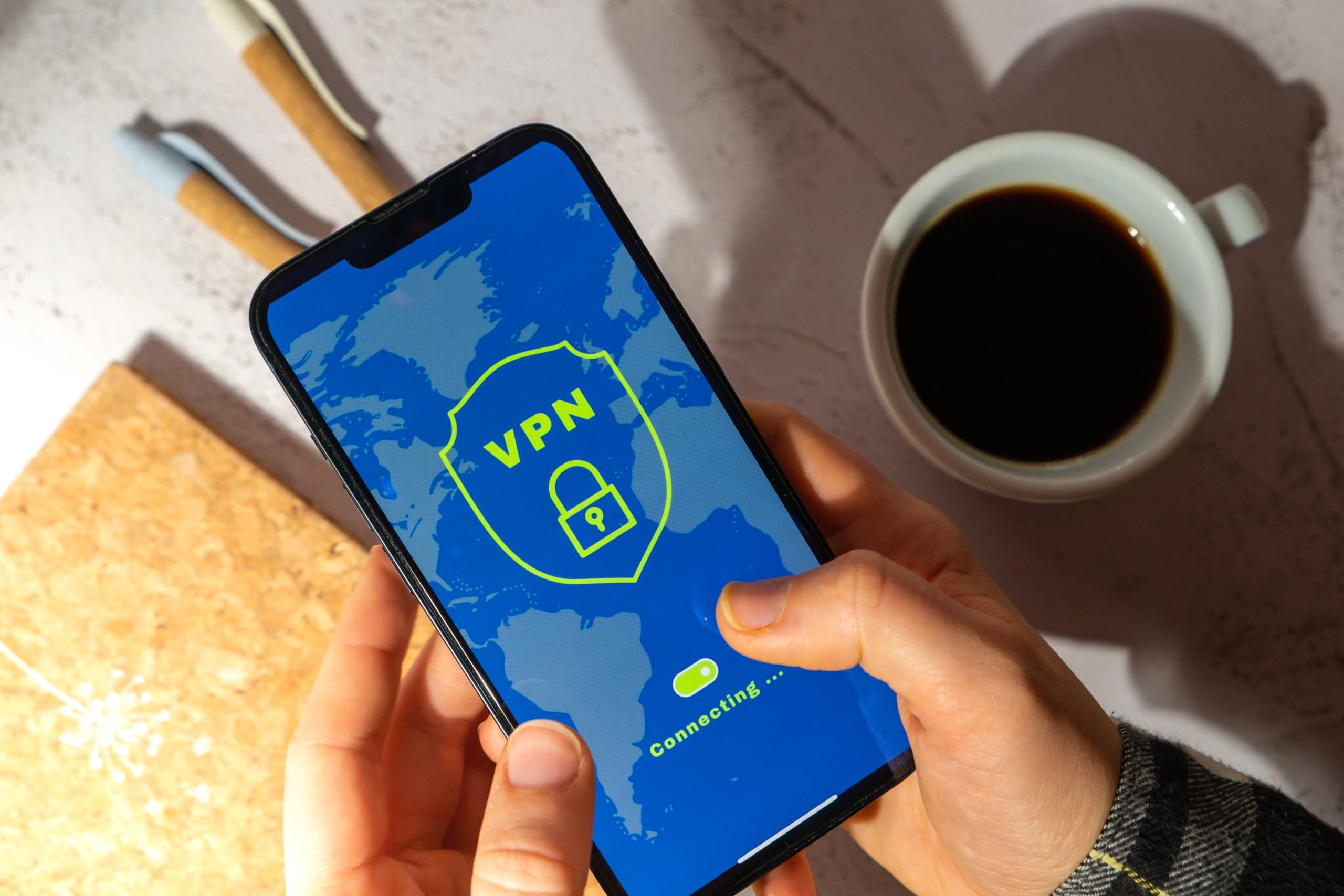
VPN Basics: What a VPN Does and When You Actually Need One
Understanding VPN basics has become genuinely useful for everyday internet users, not just corporate IT departments or privacy enthusiasts. Virtual Private Networks have gone from a specialized tool to a mainstream product advertised on podcasts and YouTube channels. The problem is that most of that advertising overstates what VPNs do while underselling what they do not do. This guide gives you an accurate picture of how a VPN functions, when it provides real protection, when it does not, and what to look for if you decide to use one.
How a VPN Works
When you connect to the internet normally, your device communicates directly with websites and services. Your internet service provider (ISP) can see which websites you visit. Websites can see your IP address, which can reveal your approximate geographic location. If you are on an unsecured network—like a coffee shop’s public Wi-Fi—other devices on that network can potentially intercept your unencrypted traffic.
A VPN inserts an encrypted tunnel between your device and a server operated by the VPN provider. Your traffic travels through this tunnel to the VPN server, and then from the VPN server to the website or service you are accessing. From the website’s perspective, the traffic appears to originate from the VPN server’s IP address rather than your own. Your ISP can see that you are connected to a VPN server but cannot see the content of your traffic.
The key takeaway: a VPN shifts who can see your traffic from your ISP and local network to your VPN provider. You are trusting the VPN provider instead of your ISP.
When a VPN Provides Real Benefits
Public Wi-Fi Networks
The strongest use case for a VPN is connecting to public Wi-Fi at hotels, airports, cafes, and libraries. Unsecured public networks create the possibility of a “man-in-the-middle” attack where someone on the same network intercepts unencrypted traffic. A VPN encrypts your traffic before it leaves your device, protecting your data from other users on the same network. This is the scenario where a VPN delivers the most clear-cut security benefit for average users.
Accessing Region-Restricted Content
Streaming services, websites, and online resources sometimes restrict access by geographic region. Connecting through a VPN server in a different country allows you to appear to be in that location. This is a common and widely used feature, though users should be aware that streaming service terms of service generally prohibit this practice.
Hiding Browsing from Your ISP
In the United States, ISPs are permitted to collect and sell anonymized browsing data. Using a VPN prevents your ISP from seeing which websites you visit. Whether this matters depends on your privacy preferences and threat model.
Remote Work and Business Networks
Many businesses use VPNs to allow employees to securely access internal systems from home. This is a distinct corporate use case from consumer VPNs and is not what most consumer VPN advertising addresses.
What a VPN Does Not Do
VPN advertising frequently implies comprehensive online protection that does not match reality. A VPN does not:
- Make you anonymous online. Websites can still track you through cookies, browser fingerprinting, and login identity. A VPN hides your IP address but not your browsing behavior if you are logged into an account.
- Protect against malware or phishing. A VPN cannot prevent you from downloading malicious software or clicking on phishing links. Antivirus software and careful browsing habits handle these threats.
- Prevent data collection by the websites you visit. The VPN encrypts the connection between you and the VPN server, but the website you visit still collects whatever data it normally collects once traffic reaches it.
- Protect you if the VPN provider itself is compromised or logs your data. This is the trust substitution point: you are now trusting your VPN provider. A VPN provider that keeps activity logs and is subject to legal requests can hand over your data just as an ISP can.
What to Look for in a VPN Provider
If you decide a VPN fits your needs, choosing a trustworthy provider matters more than choosing one with the flashiest interface or the most server locations.
- No-logs policy with independent audits. The most credible VPN providers undergo independent third-party audits of their infrastructure to verify their no-logs claims. Look for audits from firms like Cure53 or Deloitte. A no-logs claim without audit verification is marketing language, not evidence.
- Jurisdiction and ownership transparency. Know where the provider is based (legal jurisdiction matters for data request compliance) and who owns it. Several popular VPN brands are owned by the same parent companies; research the corporate structure.
- Open-source client software. Providers who open-source their client software allow independent security researchers to verify what the software is actually doing.
- Kill switch feature. A kill switch cuts your internet connection if the VPN drops unexpectedly, preventing your traffic from being exposed on your regular connection. This is a useful feature for users who need consistent VPN coverage.
- Reputable independent review sources. Organizations like the Electronic Frontier Foundation provide guidance on evaluating privacy tools. The EFF’s Surveillance Self-Defense project at ssd.eff.org offers context for understanding when a VPN helps and when other protections matter more.
Free VPNs: Use With Caution
Free VPN services are generally not recommended for users with genuine privacy concerns. VPN infrastructure is expensive to operate, and free services must monetize somehow. Common monetization models for free VPNs include selling user data—the exact problem many people use VPNs to avoid—or displaying advertising. Some free VPN apps have been found to contain malware. If cost is a barrier, reputable paid VPN services are typically $3–$8 per month, with significant discounts for annual plans.
Alternatives and Complementary Tools
A VPN is one layer in a broader privacy and security posture:
- HTTPS: Most websites now use HTTPS, which encrypts the connection between your browser and the website regardless of whether you use a VPN. The padlock icon in your browser indicates an encrypted connection.
- DNS over HTTPS: Encrypts DNS queries (the lookups that translate domain names into IP addresses), which a VPN also handles but which can be configured independently at the browser or router level.
- Password manager: Stronger protection against account compromise than a VPN for most users.
- Two-factor authentication: More directly protective against unauthorized account access than routing your traffic through a VPN server.
For most users, a VPN is a useful tool in specific scenarios—particularly public Wi-Fi—but not the all-encompassing shield that advertising suggests. Understanding VPN basics accurately helps you make an informed decision about whether you need one and how to use it appropriately. The National Institute of Standards and Technology publishes technical guidance on VPN security at NIST Special Publication 800-77 for those who want a deeper technical foundation.
 blogged