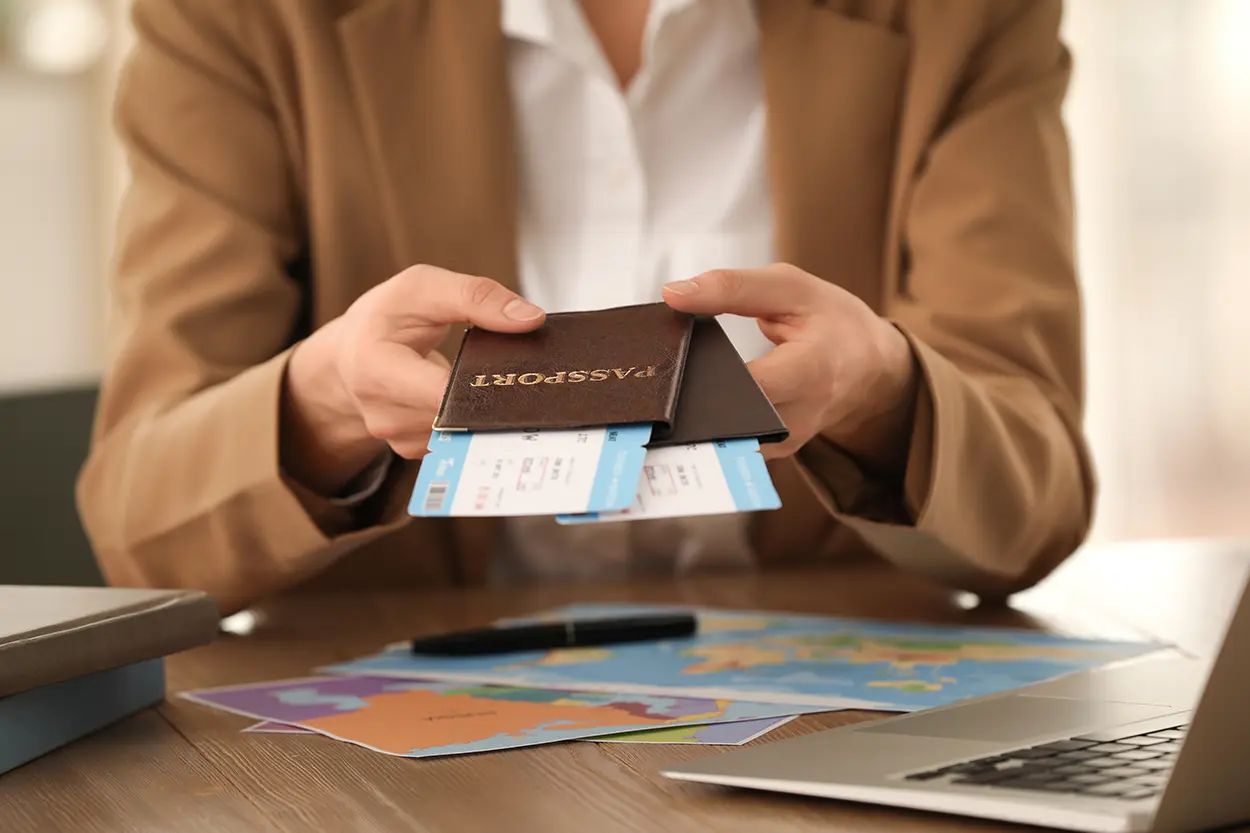
Why a Travel Document Backup Plan Matters Before You Leave Home
A solid travel document backup plan can turn a potential disaster into a minor inconvenience. Passports get lost. Wallets get stolen. Phones fall into rivers. When any of those things happen abroad, travelers who made copies of their critical documents before leaving home recover faster, spend less money, and avoid multi-day embassy ordeals. I found this out firsthand on a trip through Southeast Asia when my daypack was lifted from a night bus, passport and all — the only reason I wasn’t stranded for a week was that I’d emailed myself scans and left a paper set with my sister before I left. If you have never thought systematically about backing up your travel paperwork, this guide walks you through exactly what to copy, how to store it safely, and what to do if the worst happens.
What Documents You Should Back Up
Before you pack a single shirt, gather every document that would cause serious trouble if it went missing. The list is longer than most travelers expect.
- Passport data page – the photo page with your name, number, and expiry date
- Visa documents – printed approvals, e-visa confirmations, and entry stamps where applicable
- Flight itineraries and confirmation numbers – airline, gate, and seat information
- Hotel and accommodation confirmations – addresses, check-in times, and booking reference numbers
- Travel insurance policy – policy number, emergency helpline, and coverage summary
- Vaccination records or health certificates – especially for destinations that require proof of specific immunizations
- Driver’s license or International Driving Permit (IDP) – needed if you plan to rent a car
- Credit and debit card numbers – the front and back, including customer service numbers printed on the back
- Emergency contacts – family members, your country’s embassy or consulate in each destination
- Travel prescriptions – generic drug names and dosages in case you need a refill abroad
The Three-Copy Rule
Security professionals and experienced travelers often recommend keeping at least three independent copies of your most critical documents: one physical copy left with a trusted person at home, one physical copy stored separately from your originals while traveling, and one secure digital copy accessible from any internet-connected device. This redundancy means no single event—a stolen bag, a hotel fire, a dead phone—can leave you completely without proof of identity. I didn’t always follow this rule; for years I just carried a photocopy in the same bag as my actual passport, which of course defeats the purpose entirely if that bag disappears.
Physical Copies
Print clear, legible copies of your passport data page, visa, and travel insurance policy before you leave. Keep one set at home with a trusted family member or friend. Carry your second set in a different bag from the one holding your actual passport—a day pack, a money belt, or a zipped interior pocket of your luggage. Never store your backup in the same place as your original. If your main bag is stolen, your backup should still be with you.
Secure Digital Copies
Scan or photograph each document in good lighting so all text is readable. Store these files in a cloud service that requires a strong password and two-factor authentication—options include Google Drive, iCloud, OneDrive, or a password-manager vault. Avoid emailing documents to yourself as a sole backup; email inboxes are a frequent target of phishing attacks. A dedicated cloud folder is more secure. Name your files clearly so you can find them under pressure: “Passport_JohnSmith_Expires2029.pdf” is more useful than “scan001.jpg.”
Offline Digital Copies
Copy your documents onto a USB drive or a separate phone that stays in your hotel safe or packed luggage. This gives you access to critical information even if you have no internet connection, which is a real possibility in remote destinations or during international roaming outages.
Embassy and Consulate Information: Know It Before You Need It
If your passport is lost or stolen abroad, your country’s embassy or consulate is the first place to call. The U.S. Department of State maintains a directory of all U.S. embassies and consulates worldwide, and you can use the Smart Traveler Enrollment Program (STEP) to register your trip and receive safety alerts. Citizens of other countries should locate their own foreign ministry’s emergency contact page before departing. Write down the local phone number—not just the website URL—because you may not have internet access when you need it most.
Emergency passport services are available at U.S. embassies, but they require proof of citizenship, proof of travel (such as a printed itinerary), a completed application form, and a photo. Having backups of all these documents dramatically reduces the time it takes to issue an emergency travel document. When I went through this process in Bangkok, having my scanned passport photo page and printed flight itinerary ready meant the whole appointment took under 40 minutes — the traveler ahead of me in line, who had nothing printed, was told to come back the next day.
What to Do If Your Passport Is Lost or Stolen
Stay calm and move through these steps methodically:
- File a police report at the nearest station. Many embassies require it, and it also documents the theft for insurance claims.
- Contact your embassy or consulate immediately. Explain your situation and ask about emergency passport services. Have your backup documents ready.
- Notify your bank and card issuers if your wallet was also taken. Most cards have 24-hour international helplines printed on the back—which you backed up, right?
- Contact your travel insurance provider. Many policies cover expenses related to document replacement, emergency accommodation, and rebooking fees.
- Alert your airline if you have upcoming flights. Airlines generally work with passengers who present police reports and embassy documentation.
Digital Security Tips for Travel Document Backups
Storing sensitive documents in the cloud creates its own security considerations. A few habits reduce the risk significantly:
- Use a unique, strong password for your cloud storage account that you do not use anywhere else.
- Enable two-factor authentication so that even if your password is compromised, your files remain protected.
- Do not access your sensitive documents over public Wi-Fi without a VPN.
- Delete documents from your cloud storage after you return home if you no longer need them there.
- Consider using an encrypted cloud service or an encrypted folder for the most sensitive scans.
Organizing Your Travel Document Folder
A disorganized backup is nearly as bad as no backup at all. Create a single travel folder—physical or digital—for each trip. Label it clearly with the destination and travel dates. Inside, organize documents in the order you will likely need them: flight info first, then accommodation, then passport and visa, then insurance. Share your digital folder with a trusted person at home who can email or message you specific files if you lose access to your own devices.
Some travelers also keep a laminated card in their wallet that lists their passport number, travel insurance policy number, and emergency contact phone numbers. This low-tech backup costs nothing and can be a lifesaver. I’ve carried one of these laminated cards in my wallet ever since that bus incident, and I update it before every trip along with the digital folder.
Before Every Trip: A Pre-Departure Checklist
- Photograph or scan all critical documents
- Upload to secure cloud storage
- Print one physical set and leave with a trusted contact at home
- Print a second physical set and pack separately from originals
- Write down embassy contact numbers for each destination
- Note your travel insurance emergency helpline
- Store card customer service numbers separately from your cards
- Register with your country’s traveler enrollment program if available
Ten minutes of preparation before you leave can save days of frustration if something goes wrong. A thorough travel document backup plan is one of the simplest and most effective steps any traveler can take, whether heading abroad for a week or planning a year-long journey. For additional guidance on protecting yourself while traveling, the U.S. Department of State’s pre-travel checklist is a reliable starting point.
Written by Sarah Whitfield, BloggedTopics Travel Editor. Last reviewed and updated August 19, 2026.
