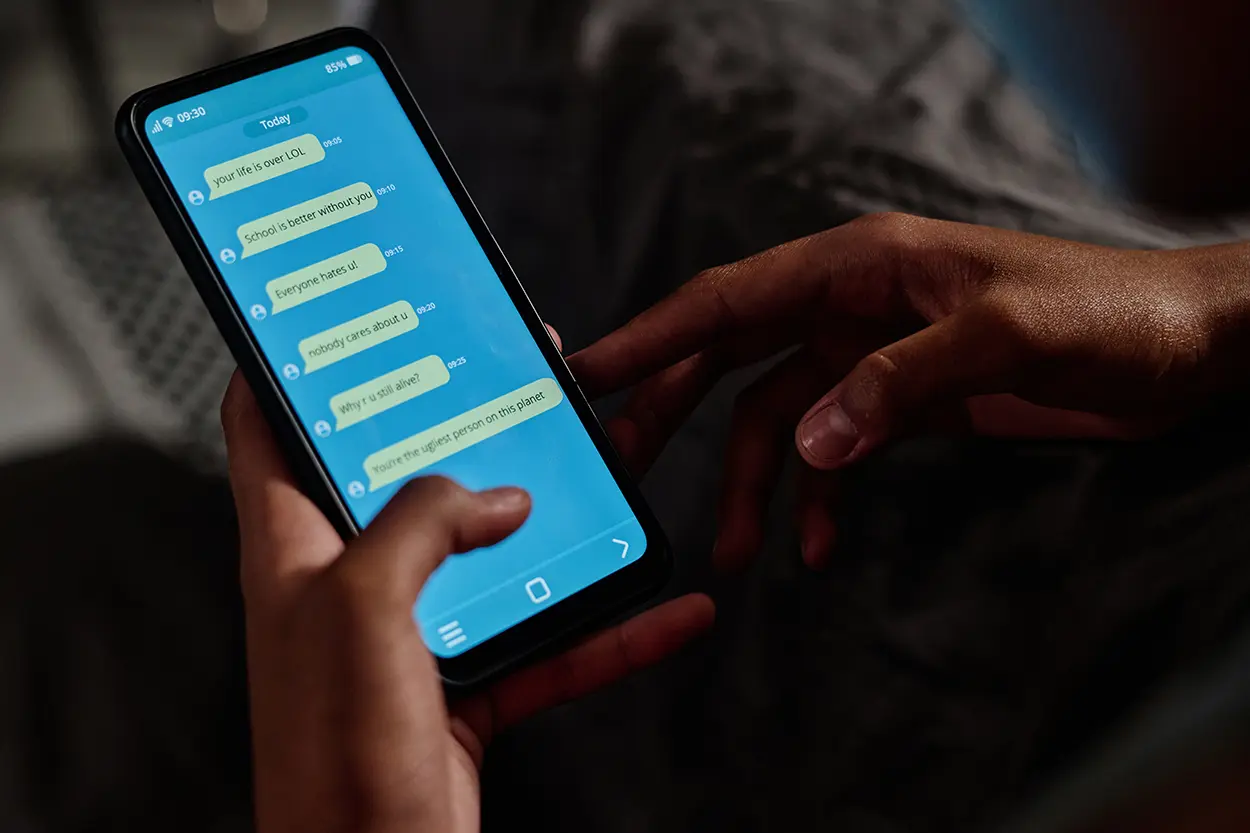
Scam texts work because they arrive in the same thread as messages from real people. There is no letterhead to examine and very little context, so knowing how to spot a fake text message depends on recognizing patterns rather than spotting typos.
The industry term for these messages is smishing, a mash-up of SMS and phishing. The tactics are familiar from email scams, compressed into a sentence and a link.
The Patterns That Show Up Again and Again
Federal consumer guidance describes a consistent set of characteristics. A scam text often comes from an unknown sender, asks you to click a link, or asks for personal or financial information such as a password, account number, Social Security number, income, amount owed, bank account information, or credit card information.
The story attached to the request usually falls into two buckets. The first promises something: free prizes, gift cards, coupons, a low- or no-interest credit card, or help paying off student loans. The second manufactures a problem: suspicious activity on your account, an issue with your payment information, a fake invoice with instructions to contact the sender if you did not authorize a purchase, or a package delivery notification. The FTC also warns that these messages may direct you to a spoofed website that looks real, and that some can install malware that steals personal or financial information.
How to Spot a Fake Text Message in Ten Seconds
A quick mental checklist handles most cases.
- Did the message arrive unexpectedly from a number you do not recognize?
- Does it create urgency about money, an account, or a delivery?
- Does it ask you to click, log in, reply with information, or call a number in the message?
- Does the link look off, shortened, or unrelated to the company named?
- Would this company normally contact you this way about this topic?
One important reminder from the FTC: legitimate companies will not ask for account information by text. And do not use the phone number or website in the message to verify it, since that path leads back to the sender.
What Not to Do
The most damaging actions are also the fastest ones.
- Do not click links in an unexpected text that asks for personal or financial details.
- Do not log in through a link in a message, because scammers might steal your username and password.
- Do not reply with information such as passwords, account numbers, Social Security numbers, income, amounts owed, or bank and card details.
- Do not assume legitimacy just because a message mentions an account, payment, invoice, or delivery.
Caller ID and sender information can be manipulated. The FCC explains that spoofing falsifies transmitted information to disguise identity, and that scammers often use neighbor spoofing to make contact appear to come from a local number or from a company or agency you already trust.
How to Verify Without Taking the Bait
When a message might be real, verify through a channel you control. Contact the company using a phone number or website you already know is genuine, not the details in the text. The FCC gives the same advice for suspicious calls: hang up, then call the number listed on your account statement, in the phone book, or on the company’s or agency’s official website to check whether a request is authentic.
Other useful habits from that guidance include being cautious when pressured for information immediately, and remembering that a legitimate source usually sends a written statement by mail before calling, particularly when requesting payment.
Reporting Scam Texts
Reporting is quick and it improves filtering for everyone.
- Forward the message to 7726 (SPAM). The FTC notes this helps your wireless provider identify and block similar messages, and the FCC confirms that several mobile providers allow you to block a sender this way.
- Report it in your messaging app using the option to mark a message as junk or spam.
- Report it to the FTC at ReportFraud.ftc.gov.
- File an FCC complaint at fcc.gov/complaints for unwanted commercial texts or autodialed texts sent without your prior consent, choosing the phone form and the unwanted calls issue.
Cutting Down the Volume
Fewer scam texts means fewer chances to slip. Your phone may be able to filter or block messages from unknown senders, and your wireless provider might offer tools or services that block unwanted calls and texts. Some call-blocking apps block unwanted messages as well, and if you consider one, the FTC suggests checking its features, user ratings, and expert reviews.
There is also a prevention side. FCC guidance recommends being careful about giving out your mobile number, reading commercial web forms and checking for a privacy policy before submitting your number, watching for preselected opt-in boxes, and finding out whether companies you do business with may sell or share your information.
Why These Messages Are So Convincing
Scam texts borrow trust rather than building it. They imitate short notifications people already receive from banks, carriers, and shippers, and they arrive during ordinary moments when a quick tap feels harmless. Because a text has almost no formatting, the usual clues from a suspicious email, such as a mismatched sender domain or an odd signature block, are missing.
The links compound the problem. A shortened or unfamiliar address gives no preview of its destination, and a spoofed page can copy a familiar login screen closely enough that entering a password feels routine. Treating the message itself as the untrusted part, no matter how familiar the name attached to it appears, is the habit that holds up over time.
Special Care for Delivery and Payment Alerts
Package notices and payment problems are among the lures federal guidance specifically names, and they work because so many people are genuinely expecting a delivery or watching a payment. The safer route is to check the order in the retailer’s app or on the shipper’s site you already use, and to check payment activity by logging in to the account directly rather than following any link in the message.
When You Already Clicked
Mistakes happen, especially with a message that arrives while you are distracted. If you entered credentials, change that password immediately and change it anywhere else you reused it. Turn on an extra verification step where the account offers one. Watch statements for charges you did not make and report anything unfamiliar to your bank or card issuer.
Because text scams and email scams use the same psychology, the habits transfer directly. Our guide to phishing email prevention covers the inbox version of these same tactics.
For current, primary guidance, see the FTC’s page on recognizing and reporting spam text messages and the FCC’s guides to stopping unwanted robocalls and texts and caller ID spoofing. Tools and provider options change, so check with your own carrier for what is available on your plan.
 blogged